DealVerified September 2026

Today's best Chalkie AI offers
DealVerified September 2026
Free plan with no card details required: create up to 5 full lessons or activity sheets every week plus 10 AI edits, and export to Google and Microsoft. Enough to plan one subject before you decide to upgrade.
| Offer | Type | Code needed | Last checked |
|---|---|---|---|
| Pay yearly for Chalkie Pro or Max and you get roughly three months free compared with monthly billing - Pro works out near US$6.65 a month on the yearly plan, Max near US$12.99. | Automatic deal | No | September 22, 2026 |
| Free plan with no card details required: create up to 5 full lessons or activity sheets every week plus 10 AI edits, and export to Google and Microsoft. Enough to plan one subject before you decide to upgrade. | Automatic deal | No | September 15, 2026 |
How to save on Chalkie AI
Chalkie AI is a lesson planning tool for teachers: enter a topic, year group and curriculum framework and it generates a full slideshow with learning objectives, key vocabulary and differentiated activities in under a minute, then exports to Google Slides, PowerPoint or PDF. It covers curriculum standards across more than twenty countries, so the output lands closer to what you actually have to teach than a generic template you would end up rewriting anyway, and any slide can be edited by describing the change in plain English rather than fiddling with formatting.
Ways to spend less
- Worksheets, activity sheets and multi-lesson unit series work the same way.
- Pricing is unusually honest for this category.
- The free plan needs no card and allows a handful of full resources every week plus a small allowance of AI edits, which is enough to plan one subject rather than a full timetable.
- Paid plans lift the caps sharply, remove the Chalkie badge from your materials, allow longer lesson series and larger slide decks, and add YouTube embedding and curriculum alignment.
- The saving that matters: yearly billing on either paid tier is effectively three months free versus paying monthly, and since a school year runs longer than nine months, the annual plan is the cheaper choice for almost every teacher who uses it past the trial stage.
How to claim a Chalkie AI discount
- 01
Compare
Choose the Chalkie AI offer that fits the plan and billing period you want.
- 02
Activate
Open the deal link; the reduced price should apply automatically.
- 03
Verify
Check the final total and renewal terms before you complete payment.
Chalkie AI discount FAQs
What is Chalkie AI and what does it do?
Chalkie AI is a lesson planning tool for teachers: enter a topic, year group and curriculum framework and it generates a full slideshow with learning objectives, key vocabulary and differentiated activities in under a minute, then exports to Google Slides, PowerPoint or PDF. It covers curriculum standards across more…
Do Chalkie AI coupon codes actually work?
Chalkie AI currently runs 2 automatic discounts rather than typed promo codes, so there is nothing to paste: the price drops when you open the link. Each one shows the date we last checked it, and anything that stops working is removed rather than left on the page.
How do I get the discount on Chalkie AI?
Click "Activate deal" to open Chalkie AI with the discount already applied, then pick your plan. There is no code to enter; if the price on the pricing page looks unchanged, continue to the checkout screen where the reduced total is shown.
What is the cheapest way to pay for Chalkie AI?
Annual billing is almost always the biggest single saving on Education pricing — usually the equivalent of two free months — and it normally applies on top of anything on this page. Beyond that, start on the free tier or trial if one exists, only move up a plan when you actually hit a limit, and check whether Chalkie AI offers student, non-profit or startup pricing before you pay full price.
Related stores
Other Education brands with verified codes and deals right now.

Xmind
Productivity Tools
Xmind is mind-mapping and outlining software with a long track record: branching maps, logic charts, fishbone diagrams, timelines and org charts, a linked outline view, task and priority markers for turning a map into a plan, presentation mode, and export to image, PDF and Office formats. It runs on desktop and mobile with sync, and the outline view is what makes it usable for real project work rather than just brainstorming. The free version covers building and editing maps for personal use; the paid subscription adds unrestricted export formats, advanced structures, password protection, larger attachment and storage limits and the AI features. Identify which of those you need, because most people upgrade for export — being unable to hand a map to a colleague as a PDF is the usual trigger — rather than for editing power. Annual billing is the biggest reduction and most of the offers on this page are annual prices, so compare the yearly total against monthly. Ask about student and education pricing if you qualify, which is often substantially cheaper than any public discount. Two practical points: check that the export formats your team requires are included in the tier you are buying before you pay, and keep local copies of your map files rather than relying solely on cloud sync, since your thinking archive should not depend on a subscription remaining active. Buy for one term first and see whether the maps you make actually get reused.
5 offers

Claude
AI Chatbots & Assistants
Claude is the AI assistant made by Anthropic, and it is the main rival to ChatGPT for writing, reading long documents and coding. The free plan is a real plan rather than a trial: you can chat on the web, desktop and mobile, search the web, create files, run code and keep memory across conversations, with usage caps rather than a countdown. Paying unlocks the parts most people actually come for. Pro adds Claude Code for terminal work, scheduled and handed-off tasks, Claude Design, Slides and Docs, projects, extra models and the Chrome and Microsoft 365 integrations. Max exists for people who run Claude all day and keep hitting the ceiling, and it sells usage rather than features: five times or twenty times the Pro allowance, higher output limits and priority when traffic is heavy. Teams get a per-seat plan with SSO, central billing, admin controls and a promise that your content is not used for training by default. Anthropic does not run coupon campaigns and there is no public student rate, so the discount here is structural: the annual term on Pro and Team, and picking the usage tier that matches how you really work instead of the one that sounds safest. Most people overspend on Max when annual Pro would have been enough.
3 offers

DocHub
Productivity Tools
DocHub is a straightforward PDF editor and e-signature tool that works in the browser and integrates tightly with Google Drive and Gmail: fill and sign forms, add text and annotations, reorder and merge pages, create reusable templates, and send documents for signature with an audit trail. It is the practical choice when you need to sign and return a form today without installing anything. The free tier is more generous than most competitors and covers occasional signing, a limited number of signature requests and basic editing, so start there and only upgrade when you hit a specific wall. Paid plans lift signature request limits, add templates, remove branding, enable bulk sending and add team management — check which of those you actually need, because the common mistake is upgrading for editing power when the real constraint was monthly signature volume. Annual billing is the biggest saving and most offers on this page are annual prices, so compare the yearly total against twelve monthly charges. If your need is seasonal — a contract round, a hiring push, tax season — buy a month rather than a year. Two practical points: check that the signature workflow meets the legal standard your counterparty requires, since audit trails and identity verification differ between plans and jurisdictions, and export signed documents with their completion certificates to your own storage rather than leaving them in the platform, because access to document history depends on an active account.
3 offers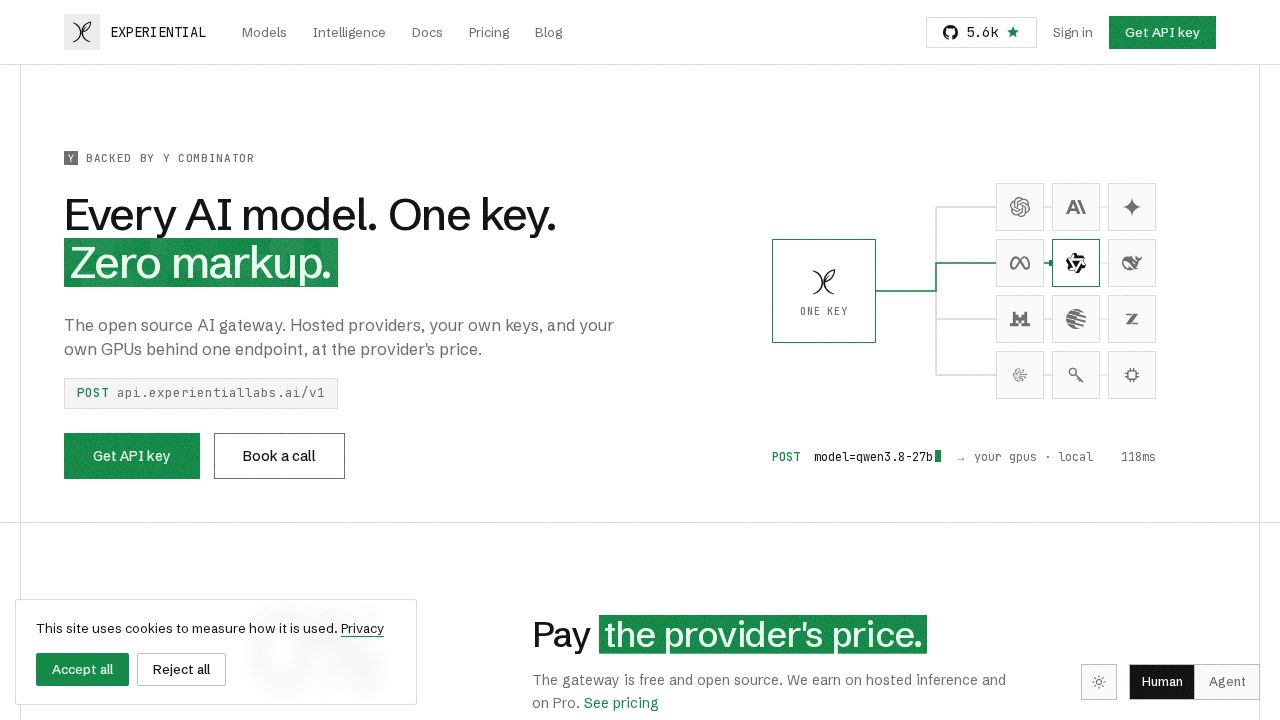

Experiential Labs
Business Tools
Experiential Labs is a Y Combinator-backed, open-source AI gateway: one OpenAI-compatible endpoint in front of every hosted provider, your own API keys and your own GPUs, with routing, failover, budgets, allowlists and per-request attribution built in. Its intelligence layer reads your production traffic and tells you when a cheaper model would win, where caching would pay off, and when a small fine-tuned model you own could replace a frontier model you rent. Published case studies claim 97 percent lower cost on a computer-use agent and 90 percent lower cost with higher accuracy on claims research. For anyone with a serious inference bill, the savings are the product. The headline term is that routed tokens are charged at each provider's list price with zero markup, so the gateway does not tax the traffic it carries. The Free plan gives 500 credits a month after a one-time one-dollar card verification, and that dollar is credited back to your balance. Pro is 20 dollars a month for 2,000 credits plus bring-your-own-key and local models, prompt caching, model suggestions, auto routing, org policies and prompt-capture opt-out. Enterprise buys committed credits at the lowest per-credit rate with SSO, RBAC, private networking and data residency. The largest discount is not a plan at all: the core gateway is open source and free to self-host, so you can run it on your own infrastructure and pay nothing for the routing layer.
3 offers

Gizmo AI
Education
Gizmo is a study app that turns your notes, slides or textbook pages into flashcards and quizzes, then drills you on them in a game-like format that students genuinely seem to get hooked on. It is aimed squarely at exam season, and the reviews are full of GCSE, A-level and AP students crediting it with grade jumps. The pricing model is unusual and worth understanding before you pay. The free plan is not a teaser: you can create unlimited cards and decks and quiz yourself as much as you like. What the free plan limits is impatience. Lose fifteen hearts while quizzing and you wait ten minutes before continuing, and Magic Import, the feature that builds a deck from a file, is capped at two a day with a twenty-minute gap between them. Unlimited removes exactly those frictions: unlimited hearts, unlimited imports with no wait, unlimited AI tutor and hints. Two Unlimited plans are sold, and they suit very different people. The yearly plan is a single payment for 365 days and is the cheaper route if you study all year. The weekly plan exists for cramming and is the honest choice if you only need it for one exam block. A student discount is also available, and it shows up as a toggle during sign-up when your account is eligible, so check for it before you confirm payment.
3 offers

Grammarly
AI Writing Tools
Grammarly is the writing assistant most people meet first. It checks spelling, grammar and punctuation as you type in your browser, desktop apps, email and documents, then goes further on the paid tier with full-sentence rewrites, tone adjustment, clarity suggestions, citation help, plagiarism and AI-text detection, and generative prompts for drafting and brainstorming. More than 40 million people and tens of thousands of organisations use it, which is why brand searches for a Grammarly coupon run so hot. The free plan is not a trial. It covers unlimited basic grammar, spelling and tone checks forever, and for a lot of writers that is genuinely enough. Pro is the paid tier and lists around 12 dollars a month, with a generous monthly allowance of AI prompts on top of everything in Free. Where you save: pay annually rather than monthly, because the yearly term is priced well below twelve rolling monthly payments. Students can claim 50 percent off a new Pro subscription through student verification, which is the single biggest saving available to an individual. Check your university or employer first, though, because thousands of institutions and companies already license Grammarly for everyone, and campus access costs you nothing. Teams of three or more get per-seat pricing below the individual rate.
3 offers