AI Headshot Generators coupon codes and deals
15 verified offers across 6 AI Headshot Generators. Each tool page lists its live codes, the date we last checked them, and the cheapest way to pay.

Aragon AI
AI Headshot Generators
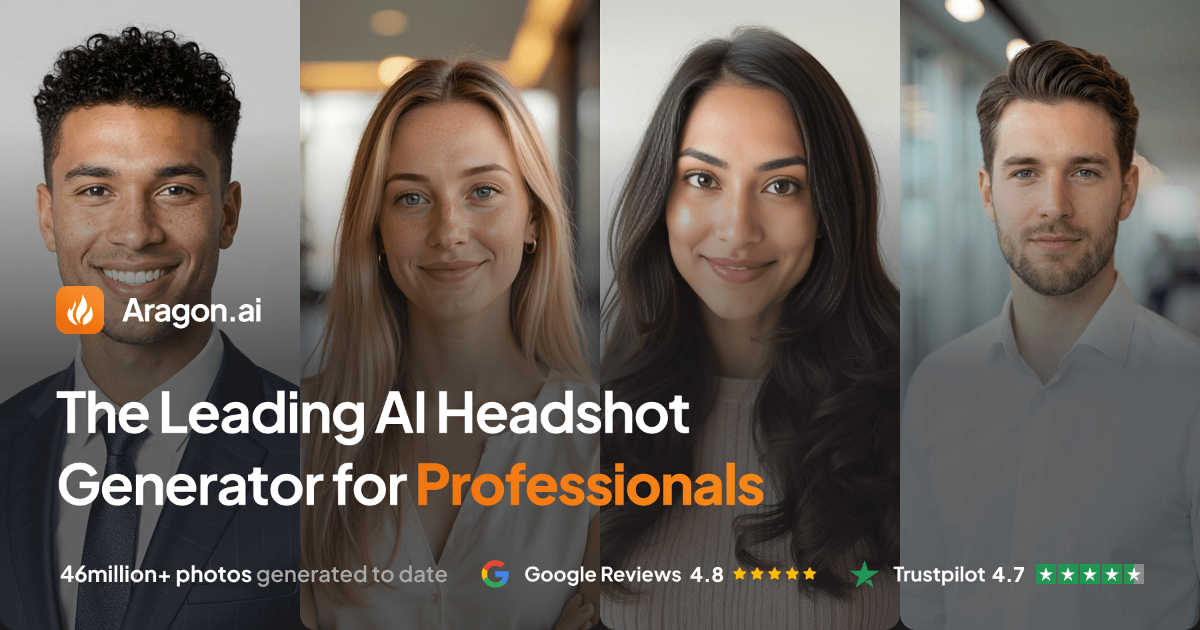
Aragon AI is one of the more business-oriented AI headshot services: you upload a set of selfies, it trains a model on your face, and it returns professional portraits in corporate, casual and outdoor styles suitable for LinkedIn, a team page or a speaker bio. It leans towards conservative, conventionally professional output rather than stylised art, which is usually what people actually want for a work profile. It sells one-time photo packs rather than a recurring subscription, so the saving logic is different from most software on this site. There is no annual plan to switch to; instead, the cost per usable photo is what you optimise. Buy the smallest pack that meets your real need, and invest the time in your upload set — 12 or more recent photos, varied backgrounds, varied clothing, good even light, a neutral expression in some and a smile in others, and nothing cropped tightly around the face. Poor inputs are the single biggest cause of buying a second pack. If you need headshots for a whole team, ask about team or bulk pricing before buying individual packs, because per-person rates drop considerably at volume. Check the commercial licence if the photos will run in ads or on a paid landing page rather than on a personal profile, and check how long your trained model is retained — if it expires, future retakes mean paying for training again. Download the full-resolution originals rather than relying on the gallery link.
3 offers

Artisse AI
AI Headshot Generators
Artisse AI is closer to an AI photography app than a headshot factory: it trains on your face and then puts you in scenes — travel backdrops, outfits, lifestyle settings — which makes it popular for social media and dating profiles rather than strictly corporate portraits. You direct it with prompts, so the output range is wider and more editorial than a standard business headshot tool. Unlike the one-off headshot packs, Artisse is sold as tiered subscriptions with monthly photo or generation allowances, which changes how you should buy it. Start on the cheapest tier for a single month and generate deliberately rather than spraying prompts: the higher tiers exist to lift your monthly generation cap, and most people discover 30 good photos is plenty. The prices on this page are tier prices, so check which plan each applies to before comparing — the largest number is not the best deal if it is simply a bigger allowance you will not use. Because it bills monthly, cancel as soon as you have the images you wanted rather than letting it renew out of habit; you can always resubscribe for a new batch of seasonal photos. Check whether your trained likeness persists after cancelling, since re-training costs generations. As with every tool of this kind, the quality of your uploads sets the ceiling: varied lighting, several outfits, recent photos, and no group shots or sunglasses.
3 offers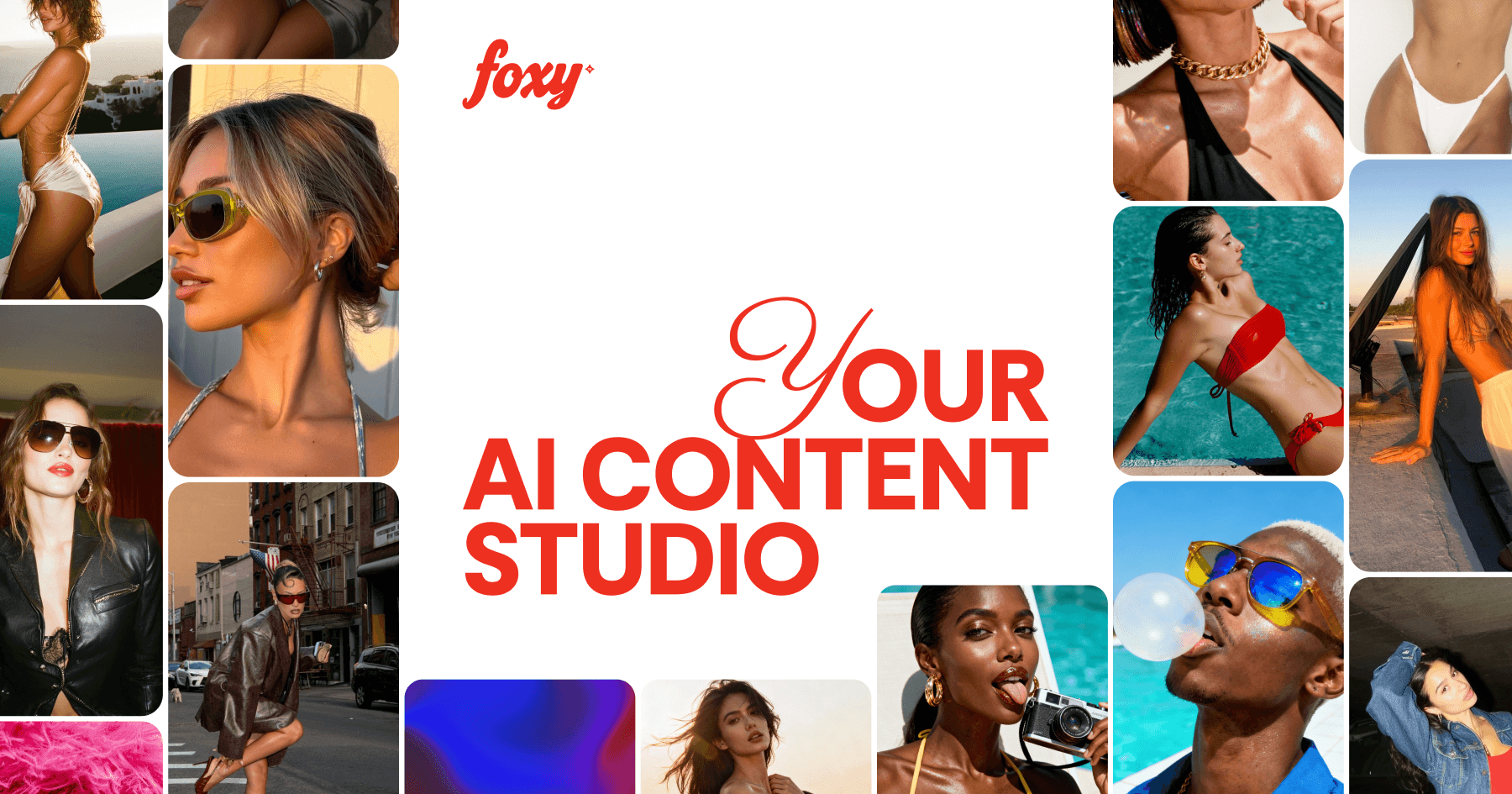

Foxy AI
AI Headshot Generators
Foxy AI generates photorealistic portraits from your own selfies, aimed squarely at profiles that need to look attractive and natural rather than corporate — dating apps, social bios, personal branding. It trains on your uploads and then produces styled sets across different outfits, locations and lighting, with the emphasis on believability rather than obvious AI polish. It bills per month by tier, with each tier lifting how many photos or model trainings you get, so treat it as a short project subscription rather than a standing cost. Buy one month of the entry tier, upload carefully, generate your set, download everything and cancel — that is the cheapest path to a refreshed profile, and you can repeat it in six months when your look changes. The offers on this page are tier prices, so read which plan each applies to; a higher price is usually a larger monthly allowance, not a better model. The one thing worth spending real effort on is the upload set: 10-20 recent photos, different days and outfits, plain even lighting, face unobstructed and no filters. Bad inputs produce uncanny results and the temptation is to pay for another month to fix it. Before you publish anything, check the platform rules where the photos will live — some dating apps have policies on AI-generated imagery — and keep at least one genuine recent photo in your profile so it matches you in person.
3 offers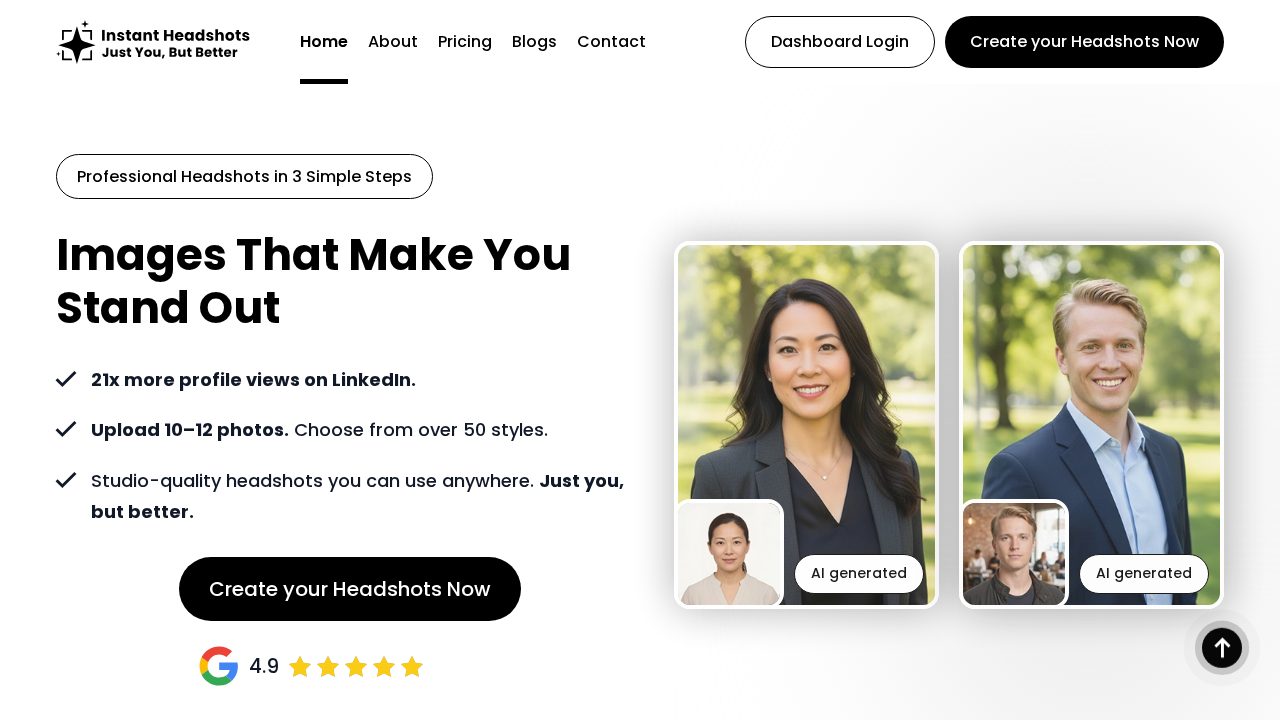
InstantHeadshots AI
AI Headshot Generators
InstantHeadshots AI is a fast, no-subscription route to a professional profile photo: you upload selfies, it trains on your face, and within roughly half an hour you have a set of business portraits with clean backgrounds and studio-style lighting. It is aimed at people who need one good photo for LinkedIn, a CV or a company about page, not at people who want dozens of creative styles. Because it sells one-time plans rather than a recurring subscription, there is no annual switch to make — the saving comes from buying the right plan once. The tiers on this page differ mainly by how many photos, styles and outfit variations you get, so decide first whether you need one hero image or a small library, and buy accordingly; the entry plan is usually enough for a single profile refresh. Where people waste money is retakes, and retakes are almost always caused by weak uploads: use 10 or more recent photos taken on different days, vary the clothing and background, keep the light even and the face unobstructed, and skip anything heavily filtered or cropped too tight. If you are buying for several colleagues, ask about bulk pricing before purchasing separate plans. Check the licence terms if the photo will appear in paid advertising rather than on a profile, and download the highest-resolution files straight away rather than trusting the gallery to stay available.
3 offers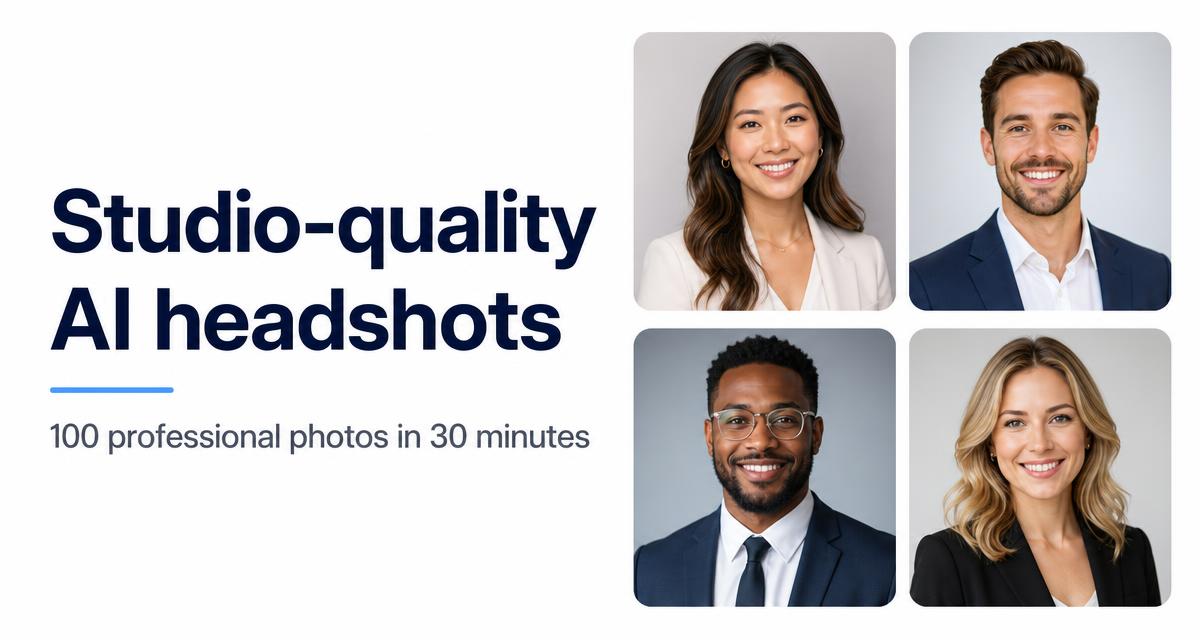

Multiverse AI
AI Headshot Generators
The Multiverse AI turns a batch of ordinary selfies into studio-style portraits — LinkedIn headshots, dating photos and profile pictures — by training a model on your face and then rendering it in different outfits, lighting setups and backgrounds. Turnaround is typically under an hour, which is the entire point compared with booking a photographer. Almost every mistake here is made before you pay, in the upload step. The model can only work with what it sees, so give it 10-15 varied, well-lit photos from different days, angles and outfits, with no sunglasses, no group shots and no heavy filters. A weak upload set produces results that do not look like you, and the fix is buying a second round — which is how a one-time purchase quietly doubles. Buy the smallest pack that covers your actual need first: if you want one strong LinkedIn photo, the entry pack is enough, and the larger packs only pay off if you genuinely want dozens of styles. Because this is credit-based rather than a subscription, there is no annual discount to chase — the offers on this page are pack prices, so compare cost per usable photo rather than the headline discount. Check the credit expiry before buying a big bundle, and check the licensing terms if the images are for commercial or advertising use rather than a personal profile. Download and back up everything you like immediately; hosted galleries are not permanent storage.
2 offers

TinderProfile AI
AI Headshot Generators
TinderProfile AI is a narrow tool with a single job: produce dating-app photos that look like you on a good day. It trains on your uploaded selfies and returns a set built around what performs on dating profiles — clear face shots, natural lighting, varied outfits and settings — rather than the corporate backdrops a business headshot generator favours. It is sold as a one-time purchase rather than a subscription, so the question is not which plan to downgrade to later but how to avoid buying twice. The upload set decides that: give it 10-15 recent photos of just you, taken on different days in different clothes, with even light on your face and no sunglasses, hats, group shots or heavy filters. Blurry or near-identical uploads are the usual reason results look off, and the cheapest fix is a better upload set, not a bigger plan. Buy the smallest package that gives you enough usable images for one profile — most dating apps only show a handful of photos, so a large pack is rarely worth it. Two practical points before you use the results: keep at least one unedited real photo in your profile so matches recognise you when you meet, and check the app's current stance on AI-generated images, since policies change. Download the full-resolution files as soon as they are ready, and delete your training data afterwards if the service offers that option.
1 offer