AI Voice Tools coupon codes and deals
10 verified offers across 3 AI Voice Tools. Each tool page lists its live codes, the date we last checked them, and the cheapest way to pay.
ElevenLabs
AI Voice Tools
ElevenLabs is an AI voice platform for text to speech, voice cloning, dubbing, speech to text, sound effects and music. Creators use it for voiceovers, audiobooks and podcasts, and developers use its API and voice agents in their own products. Every plan runs on monthly credits that are shared across all its tools, so the right plan depends on how much audio you generate each month. The free plan is enough to test voices before you pay. ElevenLabs does not publish public coupon codes. Its own help page says first month discounts sometimes appear on the Subscription page of your account, so check there before you upgrade. The Creator plan has shown 50% off the first month on the official pricing page. Startups building voice agents can apply for a grant, and nonprofits and education institutions can apply through the Impact Program.
4 offers

Murf AI
AI Voice Tools
Murf AI is a text-to-speech studio built for voiceover work rather than accessibility playback: a large library of realistic voices across languages and accents, control over pitch, pace, emphasis and pronunciation, voice cloning, a timeline for syncing narration to slides or video, and dubbing for existing footage. Course creators, explainer-video producers and podcasters use it to avoid re-recording every time a script changes. Plans are metered in voice-generation minutes or hours per month, with tiers adding voices, commercial rights, cloning, collaboration seats and download quality. The most common mistake is buying for total script length while ignoring that every revision costs minutes too — budget roughly double your final runtime for redraft passes, or tighten the script before generating anything. The free tier is there to test the specific voice you intend to use, which matters more than any feature comparison, because a voice that mispronounces your product name will cost you hours in manual fixes. Annual billing is the biggest saving, usually the equivalent of several free months, and most of the offers on this page are annual prices, so compare the yearly total. Confirm your tier includes commercial use before publishing, especially for paid ads and client deliverables, and check the licence around cloned voices and consent. Export final audio at full quality and keep local copies, since project storage is tied to an active plan.
3 offers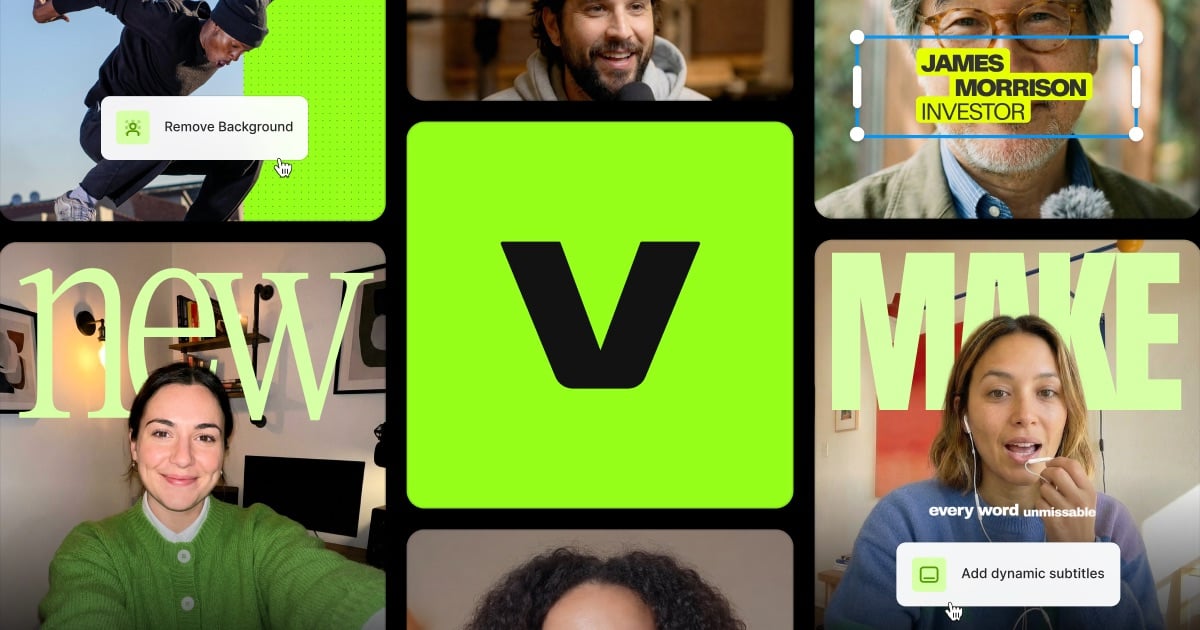

VEED
AI Video Tools
VEED is a browser-based video editor with a strong focus on subtitles and speech: automatic captions in many languages, translation and burned-in styling, a text-based editor that cuts video by editing the transcript, filler-word and silence removal, background noise cleanup, screen recording and AI avatars. Nothing installs, which is why remote teams and course creators gravitate to it. The free plan watermarks exports and caps length and resolution, so the upgrade usually buys watermark-free 1080p or 4K exports, longer videos, more caption and translation minutes and brand kits. Identify which of those you need — people frequently pay for a tier whose real differentiator is team collaboration they do not use. Annual billing is the largest single saving, commonly the equivalent of several free months, and most offers on this page are annual prices, so compare the yearly total rather than the percentage claim. Before committing, run one full real project through a trial: upload your longest typical file, auto-caption it, and check both accuracy for your accent and the export resolution you get, since caption cleanup time is the true cost of a cheap plan. Export at final resolution once instead of repeatedly, keep local copies of finished videos and subtitle files, and if you subscribed for a single course or launch, cancel before the annual term renews.
3 offers