All AI tool coupons and deals
Every tool we track, with 254 active coupon codes and deals. Filter by category or search to jump straight to a tool's discount page.
Special discount types

Blinkist
Productivity Tools
Working Blinkist Pro Discount & discount and promo codes, checked and dated — plus the annual billing and trial routes that often save more than any coupon.
1 deal

Chalkie AI
Education
Chalkie AI is a lesson planning tool for teachers: enter a topic, year group and curriculum framework and it generates a full slideshow with learning objectives, key vocabulary and differentiated activities in under a minute, then exports to Google Slides, PowerPoint or PDF. It covers curriculum standards across more than twenty countries, so the output lands closer to what you actually have to teach than a generic template you would end up rewriting anyway, and any slide can be edited by describing the change in plain English rather than fiddling with formatting. Worksheets, activity sheets and multi-lesson unit series work the same way. Pricing is unusually honest for this category. The free plan needs no card and allows a handful of full resources every week plus a small allowance of AI edits, which is enough to plan one subject rather than a full timetable. Paid plans lift the caps sharply, remove the Chalkie badge from your materials, allow longer lesson series and larger slide decks, and add YouTube embedding and curriculum alignment. The saving that matters: yearly billing on either paid tier is effectively three months free versus paying monthly, and since a school year runs longer than nine months, the annual plan is the cheaper choice for almost every teacher who uses it past the trial stage.
2 offers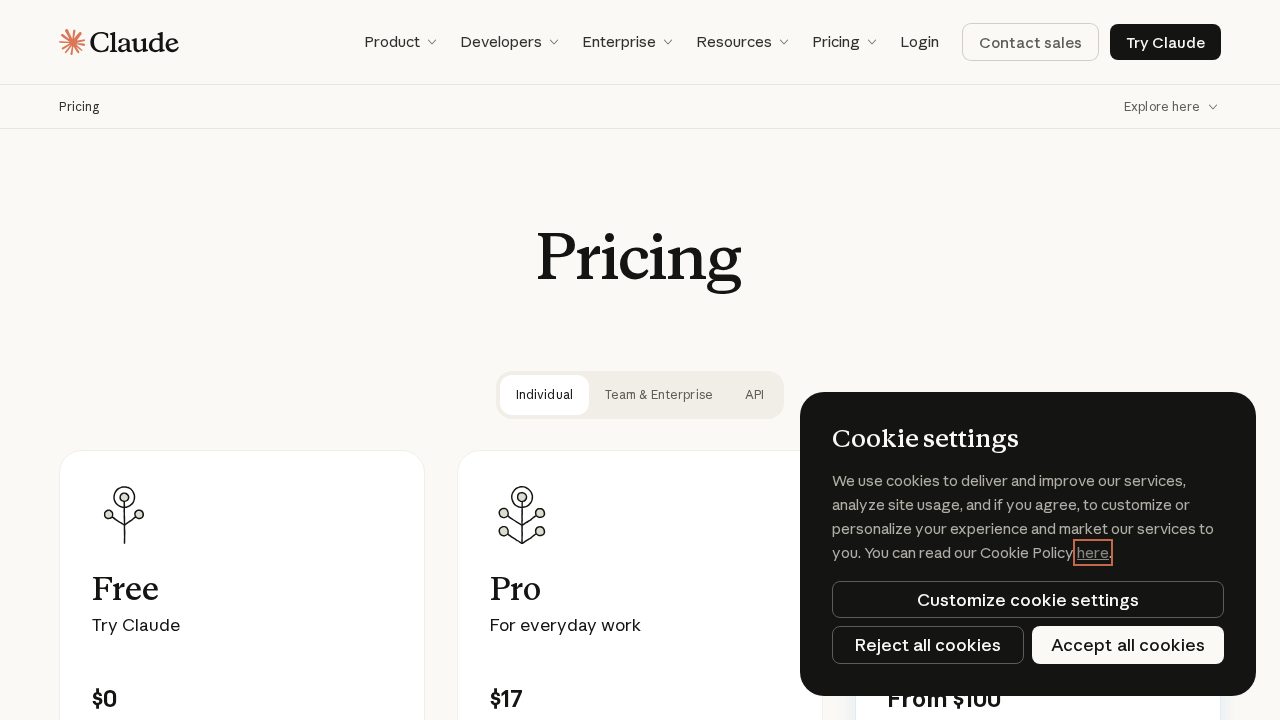

Claude
AI Chatbots & Assistants
Claude is the AI assistant made by Anthropic, and it is the main rival to ChatGPT for writing, reading long documents and coding. The free plan is a real plan rather than a trial: you can chat on the web, desktop and mobile, search the web, create files, run code and keep memory across conversations, with usage caps rather than a countdown. Paying unlocks the parts most people actually come for. Pro adds Claude Code for terminal work, scheduled and handed-off tasks, Claude Design, Slides and Docs, projects, extra models and the Chrome and Microsoft 365 integrations. Max exists for people who run Claude all day and keep hitting the ceiling, and it sells usage rather than features: five times or twenty times the Pro allowance, higher output limits and priority when traffic is heavy. Teams get a per-seat plan with SSO, central billing, admin controls and a promise that your content is not used for training by default. Anthropic does not run coupon campaigns and there is no public student rate, so the discount here is structural: the annual term on Pro and Team, and picking the usage tier that matches how you really work instead of the one that sounds safest. Most people overspend on Max when annual Pro would have been enough.
3 offers

DocHub
Productivity Tools
DocHub is a straightforward PDF editor and e-signature tool that works in the browser and integrates tightly with Google Drive and Gmail: fill and sign forms, add text and annotations, reorder and merge pages, create reusable templates, and send documents for signature with an audit trail. It is the practical choice when you need to sign and return a form today without installing anything. The free tier is more generous than most competitors and covers occasional signing, a limited number of signature requests and basic editing, so start there and only upgrade when you hit a specific wall. Paid plans lift signature request limits, add templates, remove branding, enable bulk sending and add team management — check which of those you actually need, because the common mistake is upgrading for editing power when the real constraint was monthly signature volume. Annual billing is the biggest saving and most offers on this page are annual prices, so compare the yearly total against twelve monthly charges. If your need is seasonal — a contract round, a hiring push, tax season — buy a month rather than a year. Two practical points: check that the signature workflow meets the legal standard your counterparty requires, since audit trails and identity verification differ between plans and jurisdictions, and export signed documents with their completion certificates to your own storage rather than leaving them in the platform, because access to document history depends on an active account.
3 offers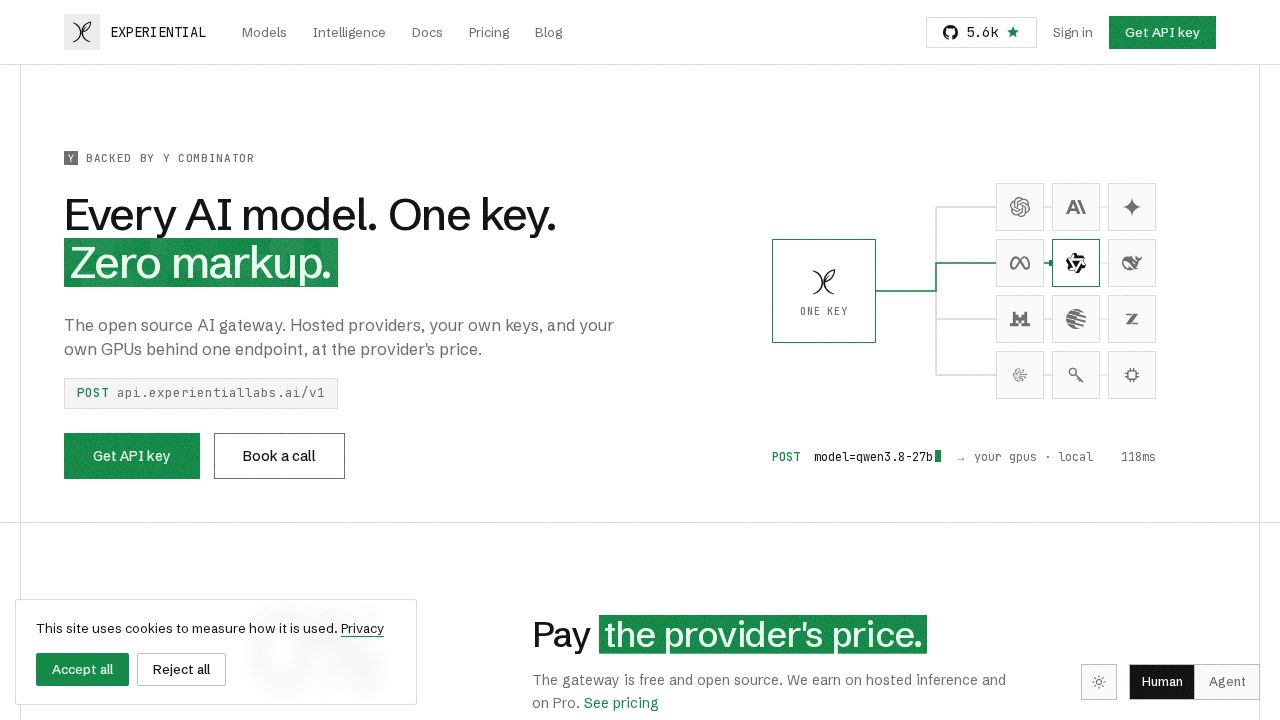

Experiential Labs
Business Tools
Experiential Labs is a Y Combinator-backed, open-source AI gateway: one OpenAI-compatible endpoint in front of every hosted provider, your own API keys and your own GPUs, with routing, failover, budgets, allowlists and per-request attribution built in. Its intelligence layer reads your production traffic and tells you when a cheaper model would win, where caching would pay off, and when a small fine-tuned model you own could replace a frontier model you rent. Published case studies claim 97 percent lower cost on a computer-use agent and 90 percent lower cost with higher accuracy on claims research. For anyone with a serious inference bill, the savings are the product. The headline term is that routed tokens are charged at each provider's list price with zero markup, so the gateway does not tax the traffic it carries. The Free plan gives 500 credits a month after a one-time one-dollar card verification, and that dollar is credited back to your balance. Pro is 20 dollars a month for 2,000 credits plus bring-your-own-key and local models, prompt caching, model suggestions, auto routing, org policies and prompt-capture opt-out. Enterprise buys committed credits at the lowest per-credit rate with SSO, RBAC, private networking and data residency. The largest discount is not a plan at all: the core gateway is open source and free to self-host, so you can run it on your own infrastructure and pay nothing for the routing layer.
3 offers

Gizmo AI
Education
Gizmo is a study app that turns your notes, slides or textbook pages into flashcards and quizzes, then drills you on them in a game-like format that students genuinely seem to get hooked on. It is aimed squarely at exam season, and the reviews are full of GCSE, A-level and AP students crediting it with grade jumps. The pricing model is unusual and worth understanding before you pay. The free plan is not a teaser: you can create unlimited cards and decks and quiz yourself as much as you like. What the free plan limits is impatience. Lose fifteen hearts while quizzing and you wait ten minutes before continuing, and Magic Import, the feature that builds a deck from a file, is capped at two a day with a twenty-minute gap between them. Unlimited removes exactly those frictions: unlimited hearts, unlimited imports with no wait, unlimited AI tutor and hints. Two Unlimited plans are sold, and they suit very different people. The yearly plan is a single payment for 365 days and is the cheaper route if you study all year. The weekly plan exists for cramming and is the honest choice if you only need it for one exam block. A student discount is also available, and it shows up as a toggle during sign-up when your account is eligible, so check for it before you confirm payment.
3 offers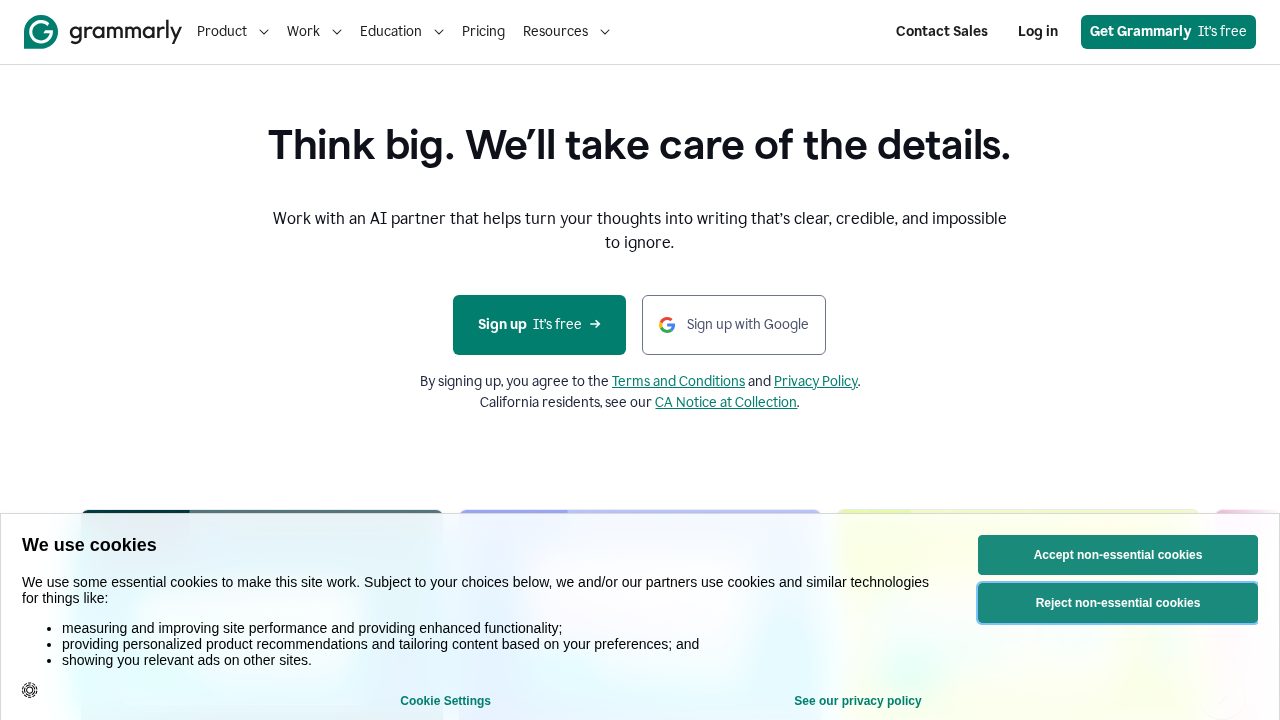

Grammarly
AI Writing Tools
Grammarly is the writing assistant most people meet first. It checks spelling, grammar and punctuation as you type in your browser, desktop apps, email and documents, then goes further on the paid tier with full-sentence rewrites, tone adjustment, clarity suggestions, citation help, plagiarism and AI-text detection, and generative prompts for drafting and brainstorming. More than 40 million people and tens of thousands of organisations use it, which is why brand searches for a Grammarly coupon run so hot. The free plan is not a trial. It covers unlimited basic grammar, spelling and tone checks forever, and for a lot of writers that is genuinely enough. Pro is the paid tier and lists around 12 dollars a month, with a generous monthly allowance of AI prompts on top of everything in Free. Where you save: pay annually rather than monthly, because the yearly term is priced well below twelve rolling monthly payments. Students can claim 50 percent off a new Pro subscription through student verification, which is the single biggest saving available to an individual. Check your university or employer first, though, because thousands of institutions and companies already license Grammarly for everyone, and campus access costs you nothing. Teams of three or more get per-seat pricing below the individual rate.
3 offers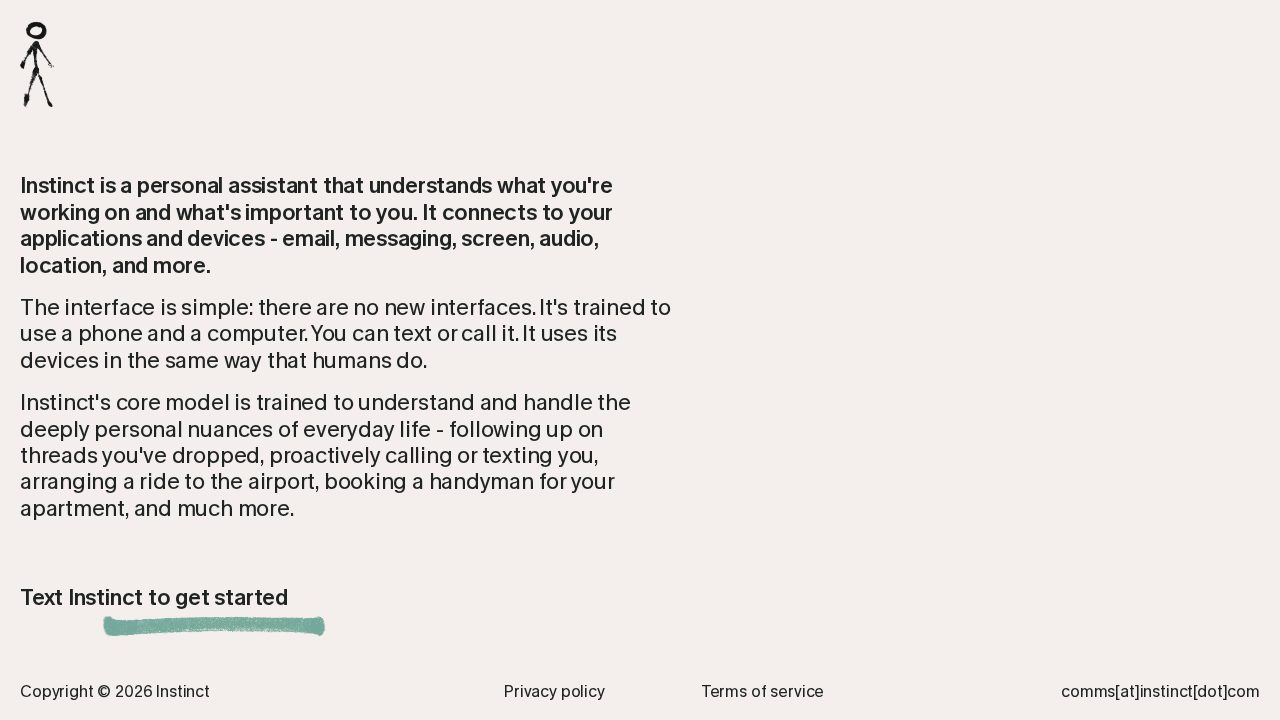

Instinct AI
Productivity Tools
Instinct is a personal AI assistant from Spear Street Technology that you text or call like a person, with no new app interface to learn. It connects to email, messaging, your screen, audio and location, and it is trained to operate a phone and a computer the way you would. The tasks it is built for are the errands people put off: following up on a dropped thread, arranging a ride to the airport, booking a handyman, chasing an appointment, negotiating a bill down. It also reaches out to you first, calling or texting when something needs a decision. The pricing position is unusual and it is the whole reason this page exists. Instinct is free and invite-only, and the company has never published a price, even after raising 250 million dollars at a 2.5 billion valuation in August 2026. That means there is no plan to discount and no code to enter, and the best value available is simply access: getting in while usage costs nothing. Worth knowing before you connect anything: because the agent holds broad authority over real accounts, early users have reported an email sent without approval, Gmail copies retained after disconnecting Google and a successful prompt-injection test through an email. Connect narrowly, start with low-stakes tasks, and treat the free period as a trial you are running on Instinct rather than the reverse.
1 offer

MagicSchool AI
Education
MagicSchool AI is a classroom AI platform built for K-12 teachers and their students, with more than 80 teacher tools for lesson plans, worksheets, quizzes, IEP drafts, rubrics, family emails and presentations, plus a set of student-facing tools and a chatbot called Raina. Because it was designed for schools rather than offices, it ships with FERPA and COPPA compliance, content moderation and teacher oversight built in, which is usually the blocker when a district reviews a general AI assistant. The money side is simple, and that matters when you are looking for a discount. There is a genuinely free forever tier for individual teachers that covers the core teacher and student tools, so you can run a full term of planning without paying anything. The paid tier, MagicSchool Plus, unlocks unlimited generations, unlimited output history, editable AI outputs in Studio Mode, the wider student toolset and learning insights. Paying yearly instead of monthly is the biggest lever available to an individual teacher: the annual rate works out at roughly a third less per month than the rolling monthly price. Schools and districts sit on the Enterprise tier, which is quoted rather than listed and includes volume-based discounts, SSO, LMS and SIS integrations and a data privacy agreement. If several teachers on your team already pay separately, asking for a school quote is almost always cheaper than stacking individual subscriptions.
3 offers

Meta Muse
Productivity Tools
Muse is Meta's personal AI agent, launched in the United States in September 2026 for adults. It is built to act rather than advise: you give it a goal and it opens its own browser, fills in forms, sends the email, books the table and pays the bill inside accounts you have connected. Each person's agent runs on its own secure virtual machine, which is why it keeps working after you close the app, and you reach it through the Muse app, the web or a WhatsApp chat. Meta leans on money-saving tasks in its own marketing: auditing subscriptions, flagging charges you forgot, cancelling what you do not need, comparing prices and watching for price drops. A separate monitoring agent pauses anything sensitive for your approval, and payments run through Link by Stripe using one-time card numbers, so the agent never sees your real card. Pricing has three tiers and the entry point is free. The free tier grants a weekly allowance of tokens, and when it runs out you either wait for the weekly refresh or move up. Above that sit a 20-dollar and a 100-dollar monthly plan for heavier use, and some services can be paid for per use instead. Meta does not issue coupon codes for Muse, so the practical way to spend less is to live on the free weekly allowance first and only upgrade once you have hit the ceiling repeatedly.
2 offers

Migoo AI
Productivity Tools
Migoo is a personal AI assistant that connects to your calendar and inbox, summarises your day, drafts messages in your own writing style and takes multi step actions on request, such as rescheduling a meeting or triaging your email. It describes itself as agentic, meaning it carries out tasks rather than only answering questions, and there is a mobile app on Google Play alongside the web product. On pricing, Migoo works on a Points system according to its terms of service: you buy points and spend them on premium features, which is a credit model rather than a flat subscription. Exact point prices are not published on a public pricing page, so you will only see the real cost once you are inside the app. That also means there is nothing to compare against, so check what a typical task costs in points before buying a large bundle. No coupon code, promotional offer or student rate is published by Migoo anywhere on its site or terms. Two things worth flagging: it is a very small company, and a completely unrelated chatbot also called Migoo is being tested in the United States by Singapore's Sea Ltd, so make sure you are signing up on migoo.ai itself and do not judge the product by coverage of the other one.
1 offer

Otter.ai
AI Chatbots & Assistants
Otter.ai joins your Zoom, Google Meet or Teams calls and produces a live transcript, a speaker-separated record and an AI summary with action items, then lets you search across every meeting you have ever recorded. The searchable archive is the part people underrate — the transcript of a call six months ago is where the decision you are trying to reconstruct actually lives, and that is worth more than the note-taking itself. Its free plan includes a monthly transcription allowance and a cap on imported files, which is enough to test whether the summaries are accurate for your accent, your industry jargon and your meeting size before you pay. Upgrading is mostly about lifting the minutes cap and unlocking longer recordings, so measure your real monthly meeting load first — many people buy a business tier for features they never touch when the individual tier covers their minutes. The annual plan is the largest saving and the codes on this page are typically tied to it, so check whether an offer applies to the monthly or yearly price before comparing. Otter also runs student and education pricing, which is worth asking about if you qualify, and team plans get cheaper per seat as you add people, so buy seats together rather than one at a time. One practical warning: delete or export recordings you no longer need, because storage and retention differ by plan and a downgrade can put older transcripts out of reach.
3 offers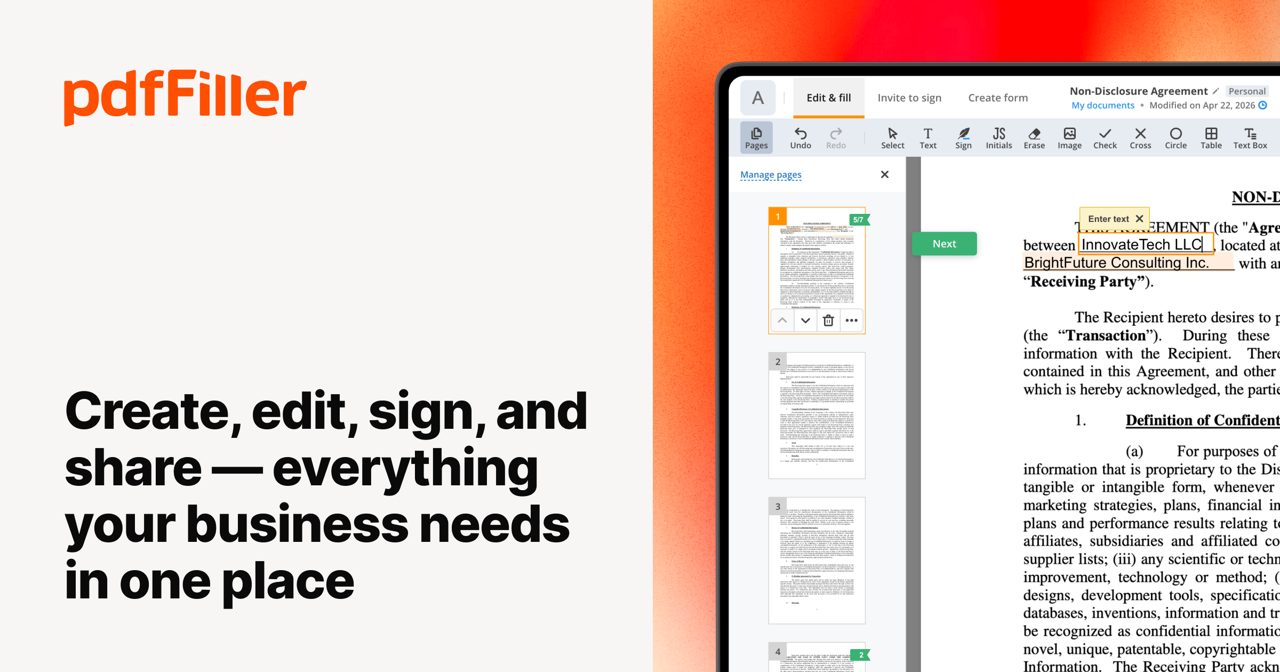

pdfFiller
Productivity Tools
pdfFiller is a full document workflow platform: edit any PDF, fill and sign forms, build fillable forms with a drag-and-drop editor, host forms that others complete online, run signature workflows and integrate with Salesforce, Dropbox and Google Drive. It also carries a large library of official US tax and legal forms, which is a large part of why people arrive. Plans run from a basic individual tier to business tiers adding signature volume, form hosting, team management and API access; higher tiers are mostly about volume and administration rather than editing capability. Decide first whether you need a one-off edit or an ongoing workflow, because for a single form the free trial or a short monthly plan is enough, and annual commitments made in a hurry are the usual regret. Annual billing is the biggest reduction — frequently over half off the monthly rate — and most of the offers on this page are annual prices, so compare yearly totals. Be deliberate about the trial: it converts to a paid plan automatically, so diarise the end date the day you start. Two further cautions worth the minute they take: check that the signature type available on your plan satisfies whoever will accept the document, and download completed documents and their audit certificates to your own storage, since retained access to document history depends on keeping the subscription active.
3 offers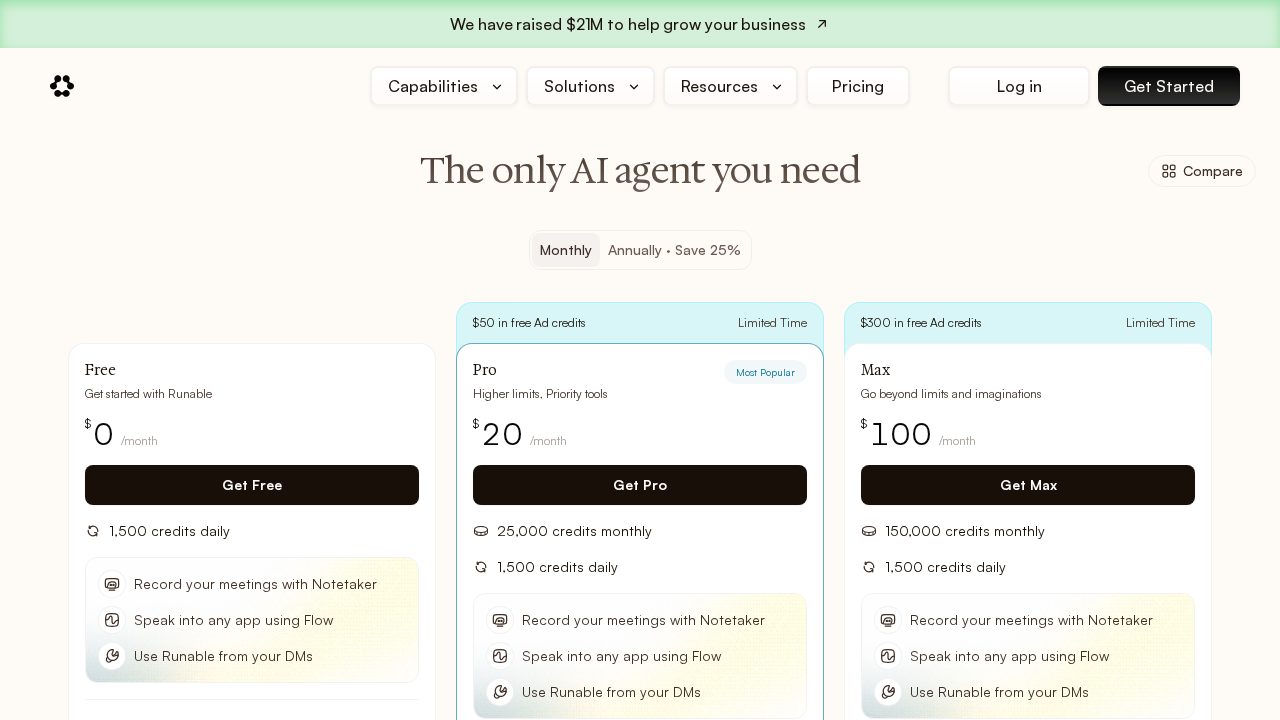

Runable AI
Productivity Tools
Runable is an AI agent that does the work rather than describing it: slide decks and carousels, images and video, research documents, and full websites that ship with a live URL, a database, Stripe payments and a subdomain. It plugs into Slack, Teams, Telegram, iMessage and Discord, so you can hand it a job from wherever you already talk, and it routes across the major frontier models instead of locking you to one. Pricing is credit based and the free tier is unusually generous. You get 1,500 credits every single day, up to 15,000 a month, and the daily balance resets rather than accumulating, so a light user can run Runable indefinitely without paying. Pro adds a 25,000-credit monthly pool on top of the daily grant plus priority tools and the meeting notetaker, and Max is the heavy tier. The saving that matters most is the annual term: paying yearly cuts Pro by 25 percent, from 20 dollars a month to 15, and the same 25 percent applies across paid plans. Top-up credits are sold separately, never expire and are spent after your plan credits, which makes them a better fit for occasional spikes than upgrading a tier you will not fill. Runable has also been running a limited-time grant of 50 dollars in ad credits for paid accounts.
3 offers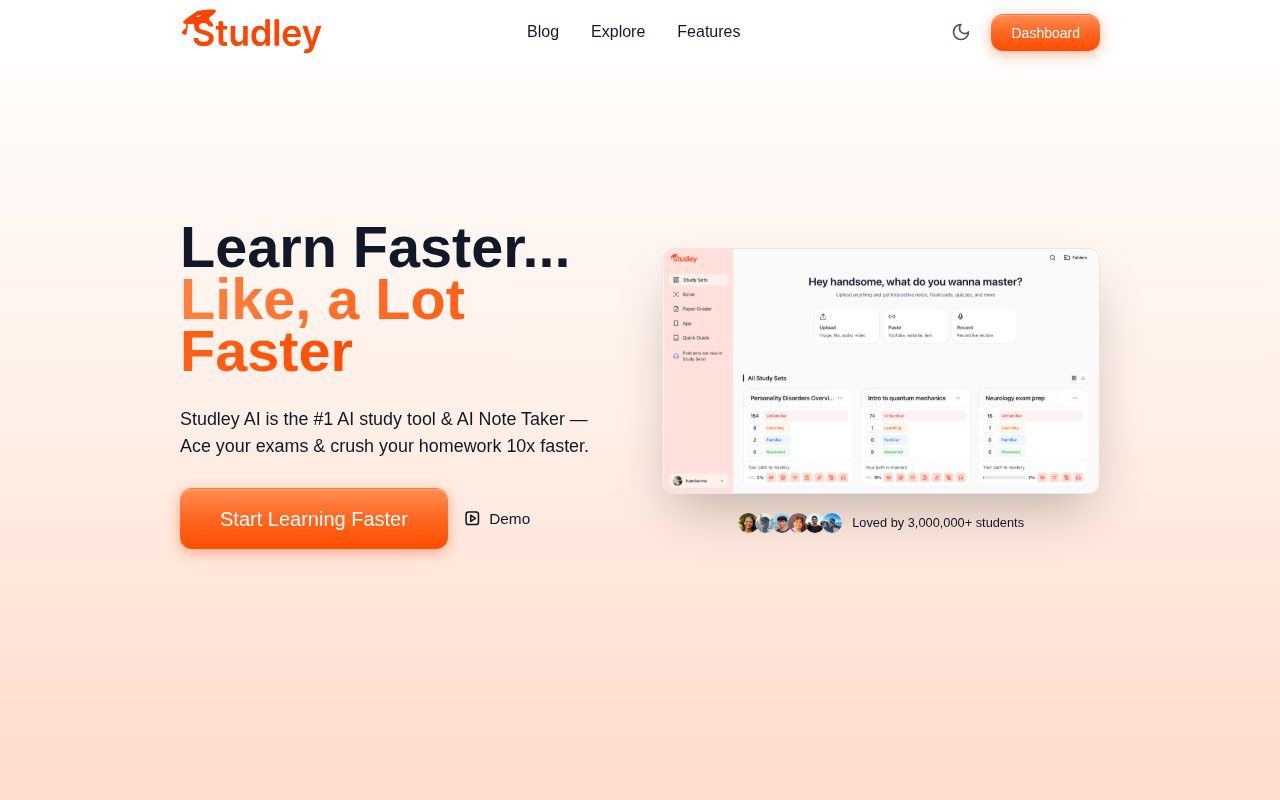

Studley AI
Education
Studley AI is a study app for high school and university students that turns material you already have into ready made revision tools. Feed it class notes, a PDF, lecture slides, a YouTube video or a photo of a textbook page and it produces flashcards, multiple choice quizzes, fill in the blank drills, written practice tests with feedback and audio summaries you can listen to. A round the clock AI tutor chat explains anything you get stuck on, and progress tracking follows how well you know each topic using spaced repetition. It runs on iOS and Android and has a very large student user base. The free tier exists but is tight, reported as roughly one study set per day, which is what pushes regular users onto the paid subscription. Independent reviews put that around 13 dollars a month, and Studley does not publish a public pricing page, so check the in app price before you commit. There is no verified official coupon, seasonal sale or student rate from Studley itself, which is unusual for a student product. Reviewers in lower income countries have publicly asked for regional pricing, which suggests none exists yet. Blogs advertising Studley promo codes are independent affiliate sites, not the company. The genuine saving is paying yearly instead of monthly if the in app option is offered to you. Note the separate similarly named app Studiely is a different company.
2 offers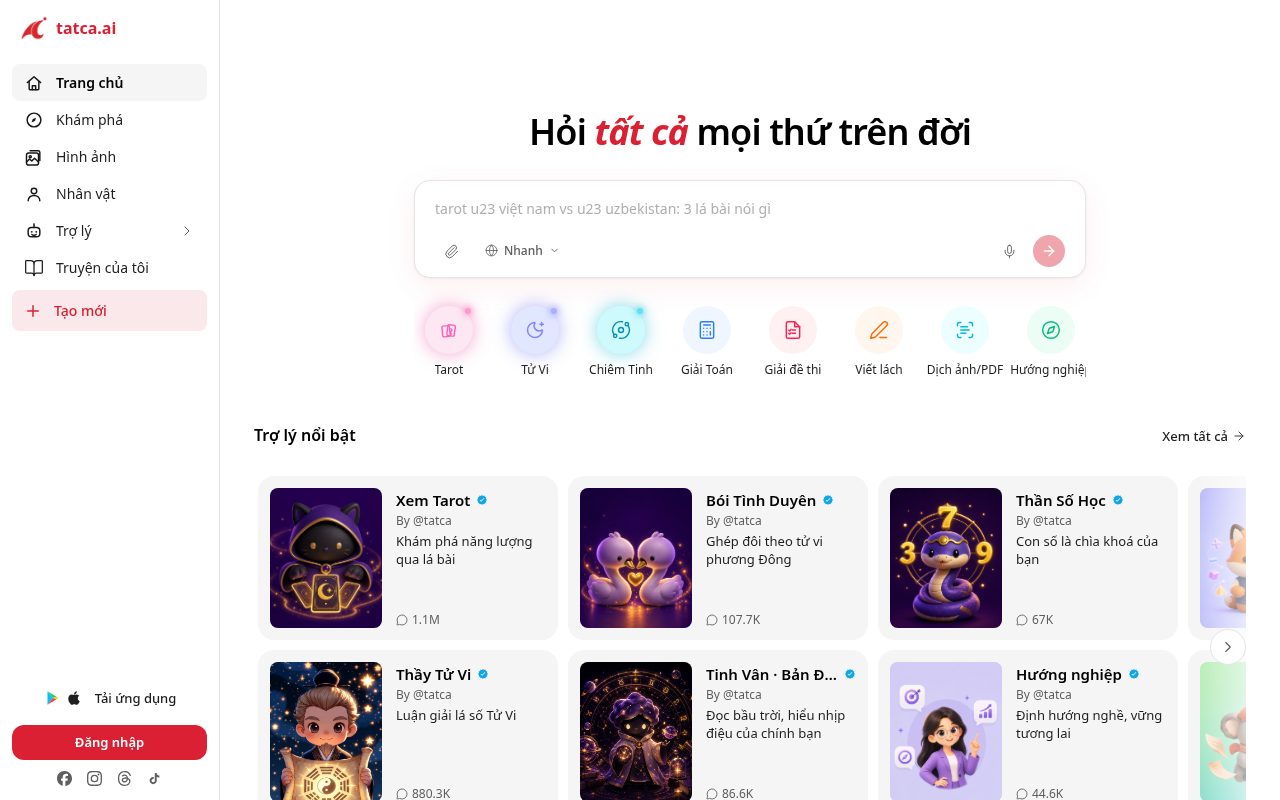

Tatca AI
Productivity Tools
Tatca AI is a Vietnamese all in one AI platform that puts many separate tools behind a single login. The name means roughly everything, and the app lives up to it: a general question answering assistant, homework and maths solving, a document and PDF translator, career guidance, text to image and text to video generation, chat with AI characters, plus tarot and astrology readings for the entertainment side. It is aimed squarely at Vietnamese speaking students and young professionals who would otherwise juggle ChatGPT, a translator and a separate image tool. It was built by AI Hub Technology and developed by SotaTek, an established software firm with offices in Vietnam, Japan and Korea, and it grew quickly after launch, reportedly passing 100,000 users in about three weeks. On the money side, Tatca does not publish a public pricing page with named tiers, so the honest position is that paid pricing is only visible inside the app or after signing in. No coupon code, promotional discount or student rate is published on tatca.ai or through SotaTek's channels. If you see a Tatca AI discount advertised elsewhere, treat it as unverified. Because the platform bundles so many tools, the practical saving is dropping the separate subscriptions it replaces rather than finding a code for it.
1 offer

TextExpander
Productivity Tools
TextExpander replaces short abbreviations with longer text as you type: email replies, support macros, code snippets, addresses, legal clauses, anything you retype. It syncs across Mac, Windows, iOS and browsers, supports fill-in fields, dates and clipboard variables, and lets teams share a common snippet library so every agent answers with the same approved wording. Pricing is per user per month, with tiers separating individuals from teams that need shared libraries, permissions and usage statistics. Two savings matter. First, annual billing, which is meaningfully cheaper than monthly and covers most of the offers on this page — compare the yearly total per seat. Second, buying seats at the right count: team plans are billed per seat and an unused licence for a departed colleague is pure waste, so audit the seat list before every renewal. If you qualify, ask about non-profit, education or volume discounts, which usually beat public coupons. Use the trial to test the thing that actually decides value: whether expansion works reliably in the specific apps you live in, because some applications and web editors handle text replacement inconsistently and that will be your daily experience. Before you commit, export your snippet library and keep a local backup — a snippet collection built over years is the real asset, and you want it portable if you ever change tools. Start with your twenty most-retyped phrases rather than importing everything at once.
3 offers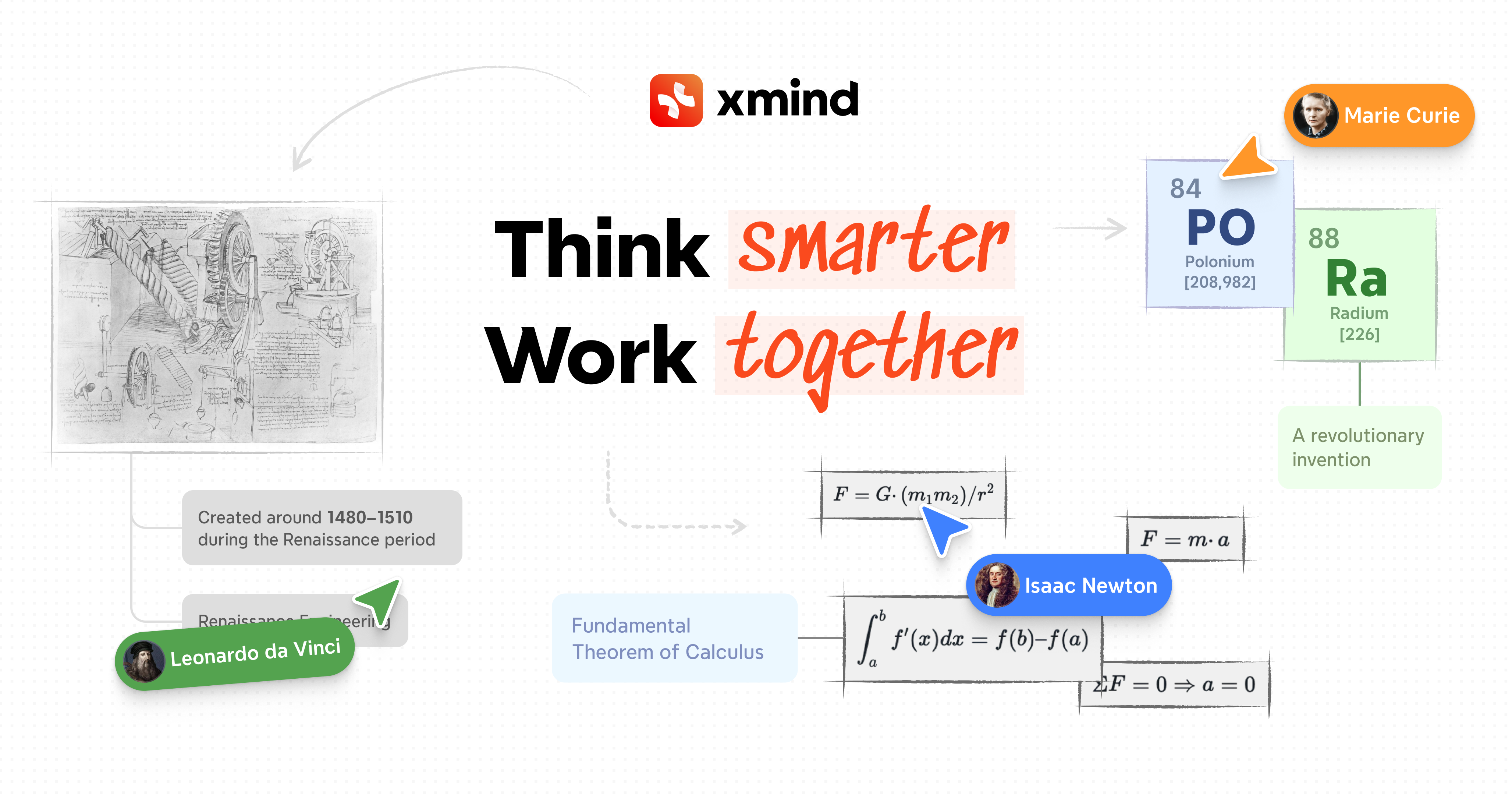

Xmind
Productivity Tools
Xmind is mind-mapping and outlining software with a long track record: branching maps, logic charts, fishbone diagrams, timelines and org charts, a linked outline view, task and priority markers for turning a map into a plan, presentation mode, and export to image, PDF and Office formats. It runs on desktop and mobile with sync, and the outline view is what makes it usable for real project work rather than just brainstorming. The free version covers building and editing maps for personal use; the paid subscription adds unrestricted export formats, advanced structures, password protection, larger attachment and storage limits and the AI features. Identify which of those you need, because most people upgrade for export — being unable to hand a map to a colleague as a PDF is the usual trigger — rather than for editing power. Annual billing is the biggest reduction and most of the offers on this page are annual prices, so compare the yearly total against monthly. Ask about student and education pricing if you qualify, which is often substantially cheaper than any public discount. Two practical points: check that the export formats your team requires are included in the tier you are buying before you pay, and keep local copies of your map files rather than relying solely on cloud sync, since your thinking archive should not depend on a subscription remaining active. Buy for one term first and see whether the maps you make actually get reused.
5 offers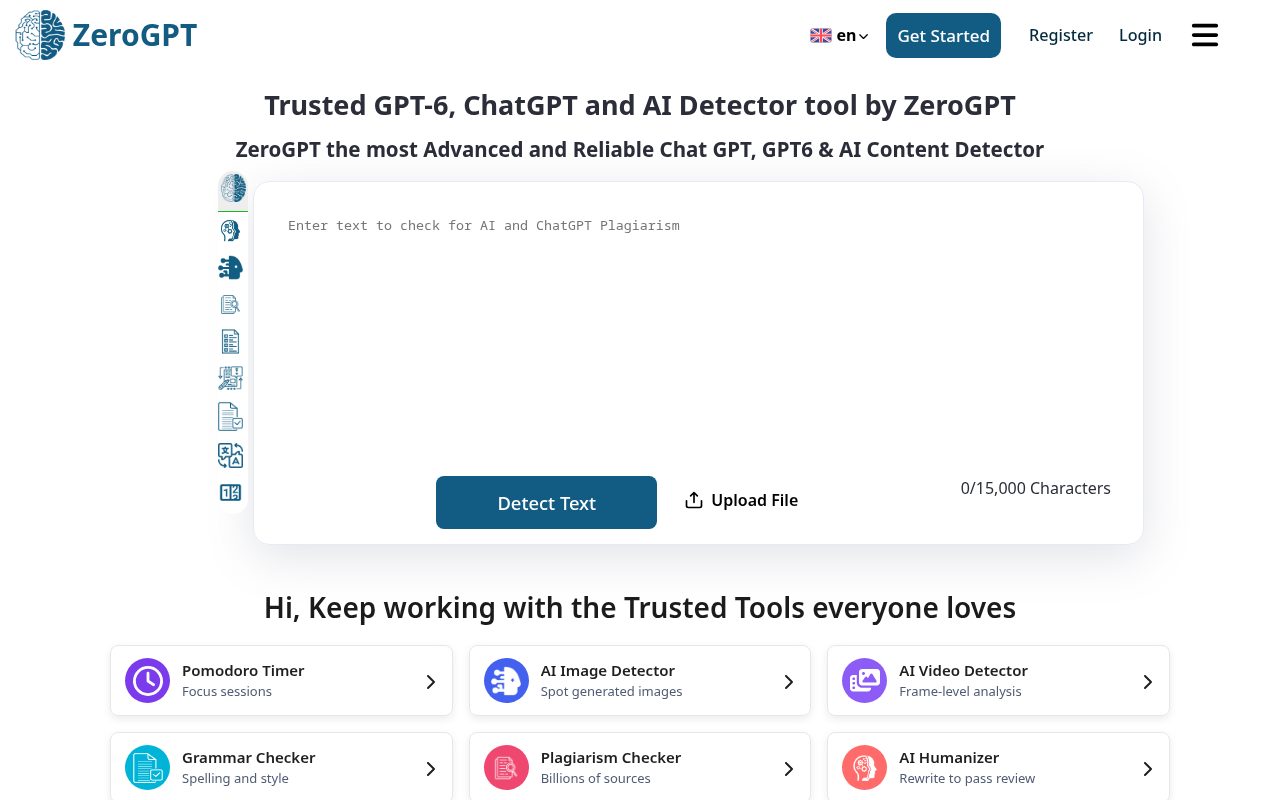

ZeroGPT
AI Writing Tools
ZeroGPT is an AI content detector with a small writing toolkit attached. You paste text in and it estimates how much of it reads as machine written, which is why students, teachers, editors and freelance clients all end up using it. Alongside detection it runs a plagiarism check, a paraphraser, a summariser, a grammar checker, a translator and a chatbot, so it covers most of what people otherwise pay two or three separate tools for. The honest money answer with ZeroGPT is that most people never need to pay. The free tier asks for no card and takes 15,000 characters per check, which covers an essay, an article or a client deliverable in a single pass, and it includes the extra tools rather than locking them behind the paid tiers. Paying only makes sense when you are checking long documents repeatedly or need a much larger character limit. There is no official coupon code for the Pro, Plus or Max plans. Some coupon trackers advertise a percentage off annual billing, but ZeroGPT's own pricing page does not publish one, so treat the paid prices you see as list price and start on the free plan before deciding whether the limit is actually a problem for you.
2 offersBrowse by category
- AI Chatbots discounts (5 tools)
- AI Chatbots & Assistants discounts (10 tools)
- AI Headshot Generators discounts (6 tools)
- AI Image & Design Tools discounts (14 tools)
- AI Video Tools discounts (11 tools)
- AI Voice Tools discounts (2 tools)
- AI Writing Tools discounts (13 tools)
- Business Tools discounts (8 tools)
- Design Assets discounts (2 tools)
- Developer Tools discounts (1 tools)
- Education discounts (11 tools)
- Health & Wellness discounts (2 tools)
- Marketing Tools discounts (4 tools)
- Productivity Tools discounts (18 tools)
- SEO Tools discounts (6 tools)
- Software Deals discounts (1 tools)
- Utility Software discounts (6 tools)
- VPN & Privacy discounts (6 tools)
- Website Builders discounts (4 tools)